
12 Small Home Office Dual Monitor Setup Ideas That Actually Fit
Two monitors feel like a luxury until you try to fit them on a small desk, and then the maths gets rude very quickly. The good news is that the right small home office dual monitor setup ideas are mostly about width, not money. Two slim modern screens take up far less room than most people expect, and the rest is positioning: arms instead of bases, one screen turned tall, and cables kept out of the way.
You do not need a huge desk or a matched pair bought new. You need honest measurements, the right layout for your work, and a dock and cable plan decided before anything arrives. Below are twelve ideas with real widths, costs, and watch-outs that make two screens fit in a small home office.
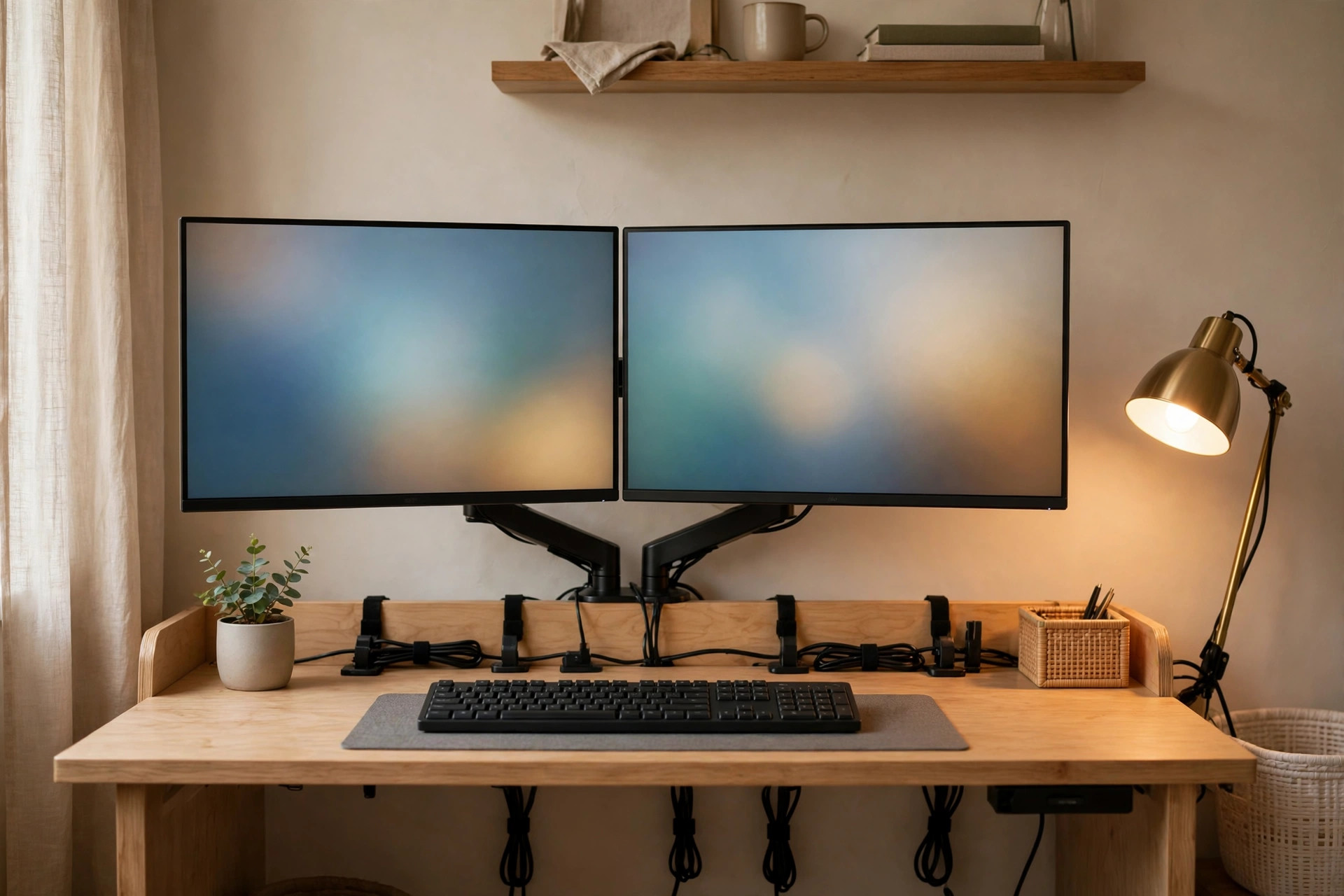
Decide the cable plan at the same time as the screens, using our guide to home office cable management ideas — two monitors double the wires, and retrofitting order onto a finished desk is miserable.
Start With the Rules: Measure the Width, Respect Eye Level, and Kill the Bases
Rule one: measure screen width, not screen size. A monitor is sold by its diagonal, but your desk cares about the frame. Two 22 to 24 inch thin-bezel monitors measure about 38 to 42 inches wide side by side, which fits a 48 inch desk with a few inches to spare. Two 27 inch screens run closer to 48 inches on their own and leave nothing for speakers, a lamp, or your elbows — on a small desk, 24 inches is the sweet spot.
Rule two: set the distance and height before anything else. Keep each monitor at least 20 inches from your eyes — roughly an arm's length — with the top of the screen at or slightly below eye level. Setup guides from Autonomous on fitting a dual monitor desk and EffyDesk on dual monitor setup ideas land on the same fundamentals: match the layout to the desk width, keep screens at eye level, and use arms or stands to free the surface underneath.
Rule three: the bases are the problem, not the screens. Two factory stands can eat 8 to 10 inches of depth. A dual monitor arm clamps to the back edge and gives that footprint back. If your desk is under 48 inches wide, stop thinking side by side at all — the stacked and portrait layouts below exist exactly for you.
12 Small Home Office Dual Monitor Setup Ideas That Actually Fit
Work in order: pick the layout your desk width allows, then the mount, then the dock and cables. Most small desks can run two screens well once those three decisions are made.
1. Run Two 22 to 24 Inch Thin-Bezel Monitors Side by Side
The classic layout still works on a 48 inch desk — if the screens are the right size. Two 24 inch thin-bezel monitors sit about 42 inches wide together, leaving roughly 3 inches at each end. Angle the outer edges in slightly, like an open book, so both screens face you without neck twisting. A matched pair costs $220 to $360; one new screen plus your existing one costs less. Watch-out: check the actual frame width in the specifications, not the diagonal — older thick-bezel 24 inch models can be 2 inches wider each.
2. Mount Both Screens on One Dual Monitor Arm
A dual arm is the single biggest space win in a small office. It replaces two deep bases with one clamp at the back edge, floats the screens at exact eye level, and returns the desk underneath for a keyboard tray, notebook, or storage. A sturdy dual arm rated for two 24 inch screens costs $45 to $90. Watch-out: check your desk edge first — the clamp needs about 2 to 3 inches of solid overhang at the back, and hollow or bevelled edges may need a reinforcement plate.
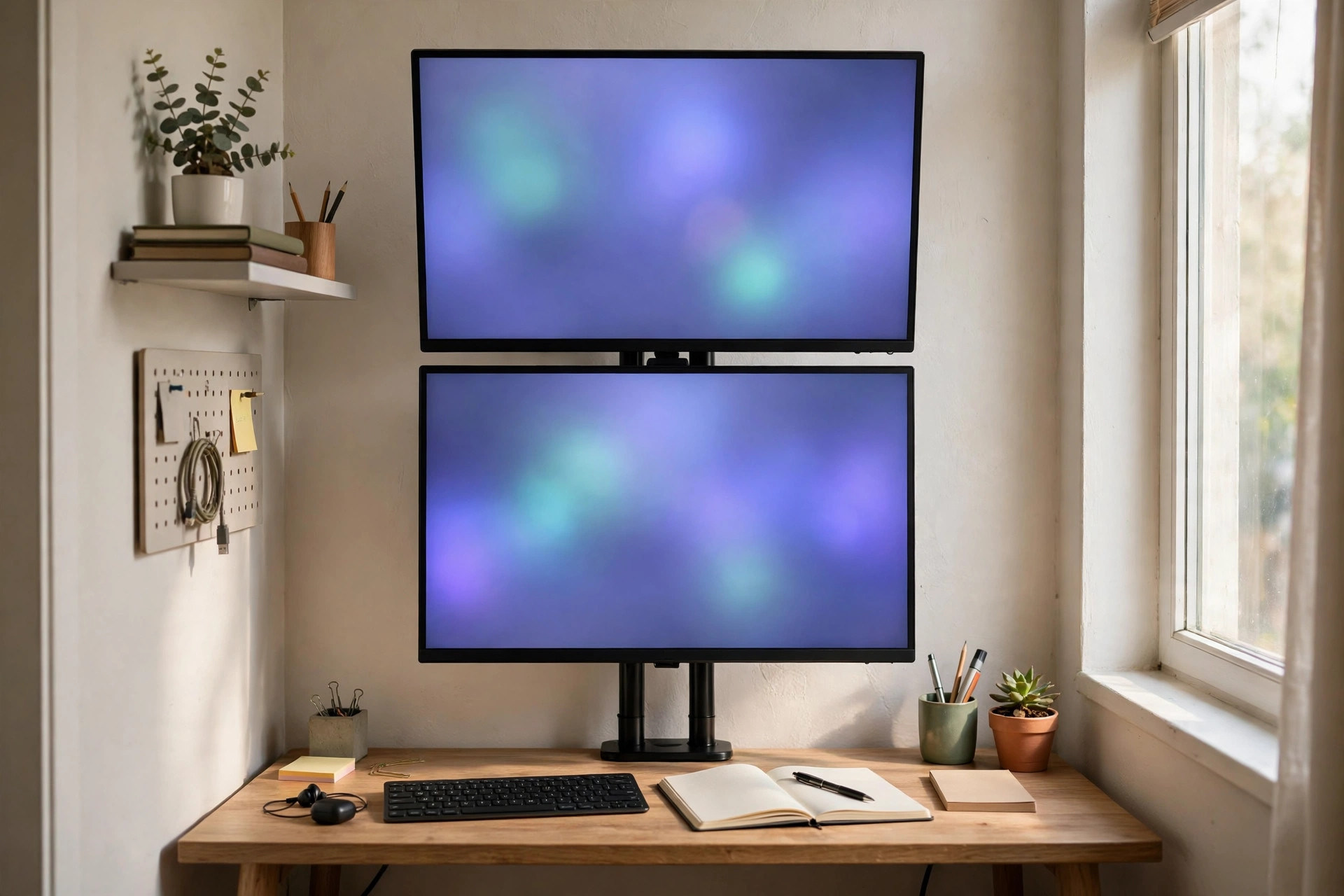
3. Stack the Monitors Vertically on Desks Under 48 Inches
When the width simply is not there, go up. A vertical stack puts one screen directly above the other on a tall pole mount, using only one screen's width — about 21 inches — of desk. Keep the lower screen as your main display at eye level and use the upper one for reference: email, chat, a dashboard, or a document you glance at. A stacking mount costs $50 to $100. Watch-out: tilt the upper screen down toward you and keep it for glanceable content; working up there all day strains your neck.
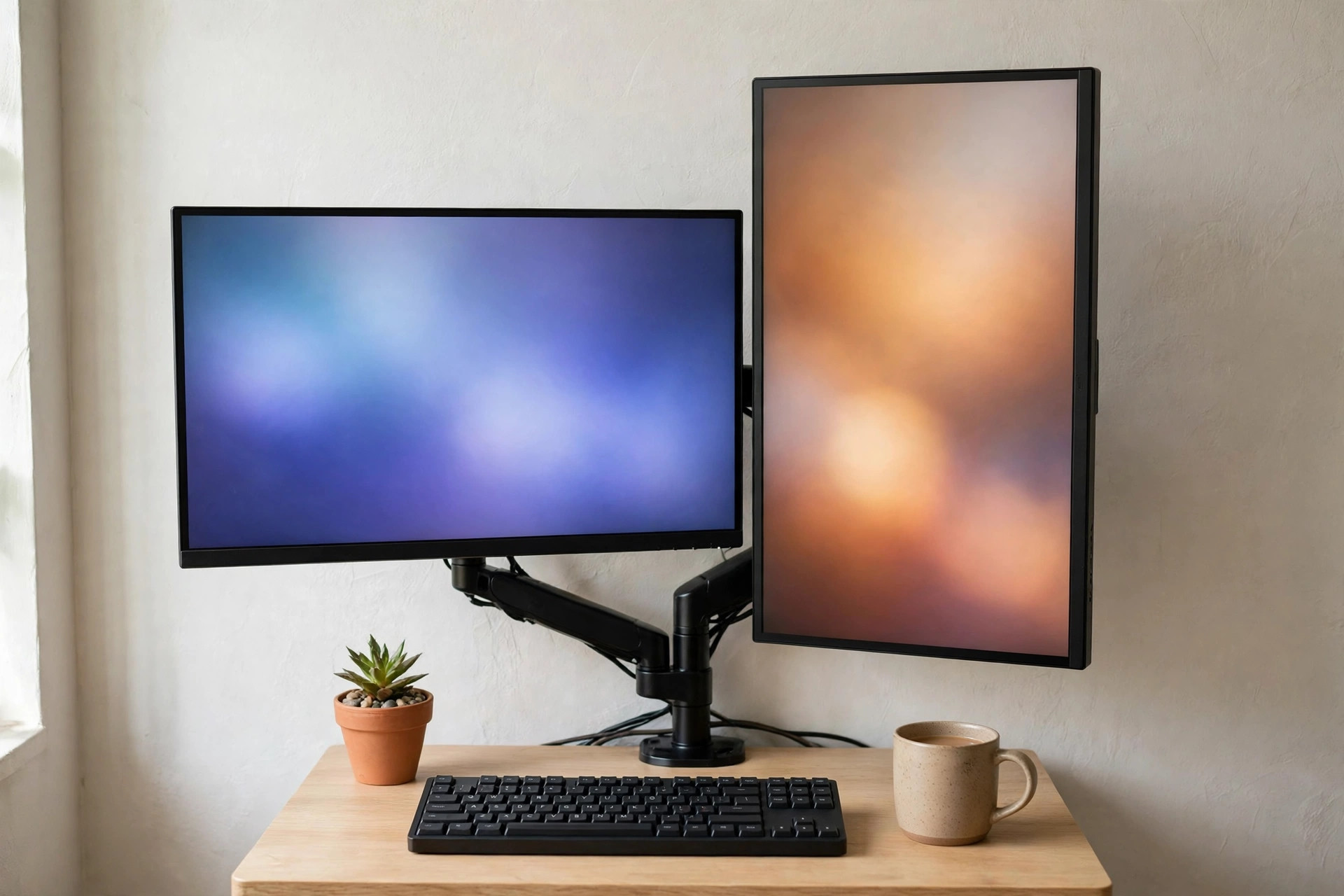
4. Turn One Monitor to Portrait for Documents and Code
A landscape-plus-portrait pairing is the smartest layout for reading-heavy work. The main screen stays wide for spreadsheets and calls, while the portrait screen shows a whole document page, a long article, code, or a chat column without endless scrolling. Together they measure roughly 33 to 36 inches wide — comfortable even on a 42 inch desk. Most arms rotate to portrait for free; a rotating stand costs $25 to $45. Watch-out: confirm your monitor's mount allows rotation, and expect to spend two minutes in display settings telling the computer which way is up.
5. Close the Laptop and Dock It in a Vertical Stand
If a laptop drives your setup, the cleanest desk is the one where it disappears. Close it, slide it into a vertical stand — about 2 inches wide at the side of the desk — and let a dock run both external monitors, keyboard, and mouse from one cable. The laptop stops stealing the centre of the desk and stops acting as a small, badly placed third screen. A vertical stand costs $20 to $40; a dual-display dock runs $90 to $180. Watch-out: check the dock and laptop genuinely support two external displays before buying — not every port and chip combination does.
6. Centre One Main Screen and Offset the Second
Side by side does not have to mean symmetrical. If one screen holds your real work, centre it directly in front of your chair and angle the second screen off to the side for reference. This keeps your neck straight for the 80 percent of the day spent on the main display, instead of aiming you at the gap between two screens. Cost: $0 with any mount that allows independent positioning. Watch-out: put the offset screen on your non-dominant side if you can, so turning to it balances the way you naturally turn toward your mouse.
7. Float the Screens on a Wall Mount in the Tightest Corners
When the desk is really a 20 inch deep ledge, take the screens off it entirely. A dual wall mount puts both monitors on the wall, keeps the whole surface clear, and lets a shallow desk work like a deeper one. Rails and dual wall mounts cost $40 to $85. Watch-out: this needs a solid wall or studs — plasterboard alone will not hold two screens, so find the studs or use heavy-duty anchors.
8. Replace the Desk Lamp With a Clamp Light or Screen Bar
Two screens quietly evict everything else, and the desk lamp usually loses. Swap a base lamp — 6 to 8 inches of footprint — for a clamp-on lamp at the back edge or a monitor light bar that sits on top of the main screen and lights the desk without glare on either display. Light bars cost $30 to $60; clamp lamps $20 to $40. Watch-out: position any light so it does not shine into the second screen; an angled bar on the main monitor plus a low lamp on the opposite side balances best.
9. Add a Cable Tray Under the Desk — It Is Not Optional With a Dock
Two monitors, a dock, a laptop charger, and a power strip mean at least six cables looking for somewhere to go. An under-desk cable tray, 16 to 24 inches long, holds the strip and the bricks off the floor and out of sight. Trays cost $18 to $35 and screw or clamp under the back edge. Watch-out: leave slack loops for each monitor cable — arms move, and a cable pulled drum-tight will unplug itself the first time you adjust a screen.
10. Use a Compact Keyboard and Push It Under When You Write
The hidden cost of two screens is the keyboard zone: you sit further back, so the desk feels shallower. A compact keyboard without a number pad saves 4 to 5 inches of width, centres your mouse closer to your body, and slides away when you switch to paper. Compact keyboards cost $25 to $60. Watch-out: if spreadsheets are your life, test a separate slim number pad you can park out of the way instead.
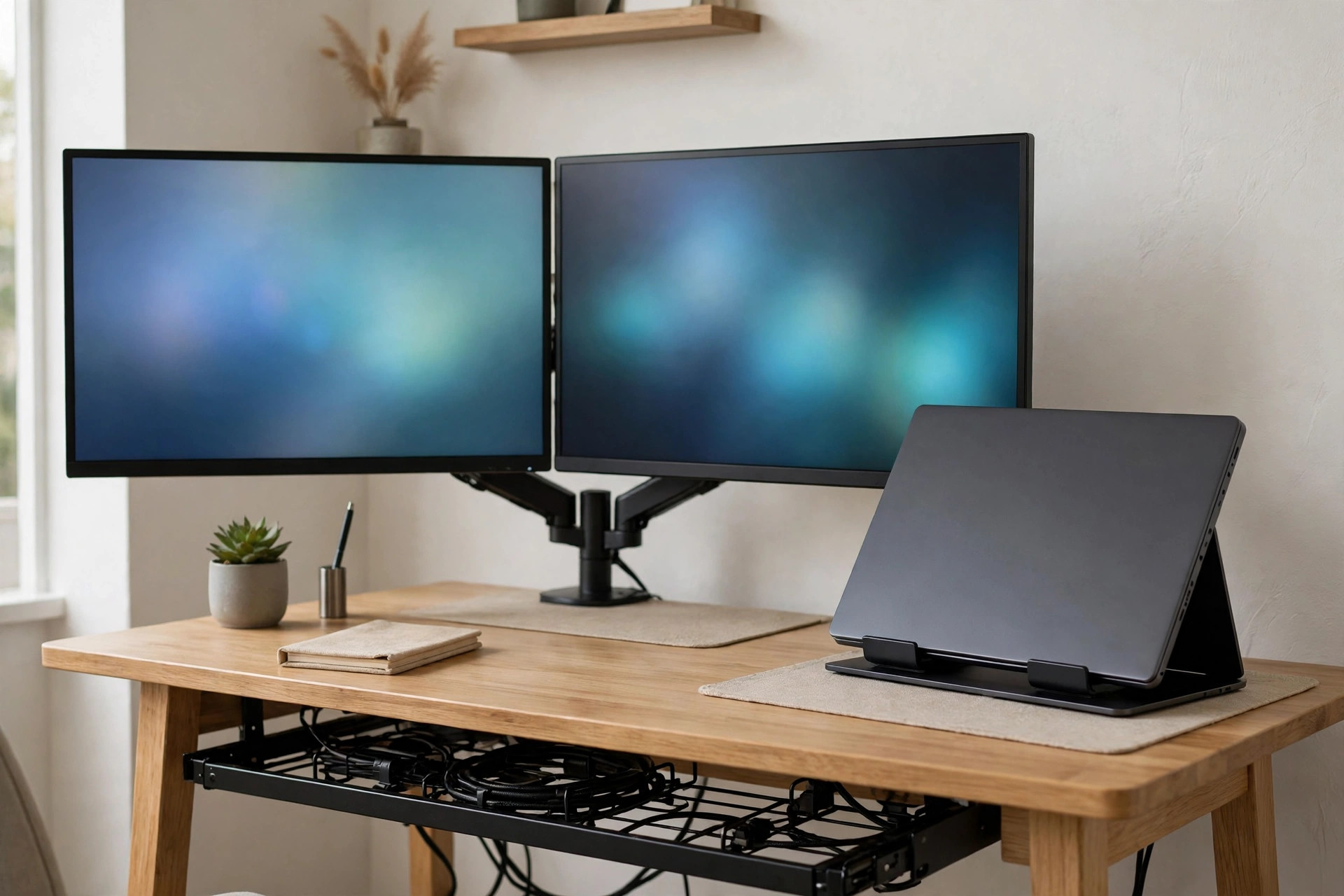
11. Match Resolutions and Heights So Your Eyes Stop Working Overtime
Two screens at the same resolution and size let windows keep their shape as you drag them across, and aligning the top edges at the same height means your eyes travel in a straight line. If a new screen joins an old one, set both to sit with tops level and scaling matched in display settings — free, and worth ten minutes. Watch-out: a 1080p screen beside a 4K screen will always make text jump sizes between displays; if that will bother you, plan the pair together.
12. Buy the Second Screen Second-Hand and Spend the Savings on the Arm
The budget move that actually works: monitors are one of the safest second-hand buys, because a screen either works or obviously does not. A used 24 inch thin-bezel monitor runs $50 to $100, and putting the savings toward a proper dual arm and dock beats two new screens wobbling on factory bases. Test before paying: plain white and black images reveal dead pixels and backlight bleed in seconds. Watch-out: check the ports match your dock — an older screen with only VGA is a false economy.
Mistakes That Make a Small Dual Monitor Setup Feel Cramped
Buying 27 inch screens for a 48 inch desk. The pair measures about 48 inches wide before you angle them, so something always hangs off an edge or crowds the keyboard. The layout logic in our small home office layout ideas applies here too: the furniture — and the screens — must be sized to the room first, and styled second.
Keeping both factory bases and wondering where the desk went. Bases plus a laptop plus a lamp can consume most of a small surface. Clearing that footprint is a storage problem as much as a screen problem, and our small home office desk storage ideas cover the drawers, risers, and trays that take the rest of the clutter once the arms have done their part.
Aiming your chair at the seam. Two screens centred as a pair, with you facing the join, guarantees a day of small left-right head turns. Centre your main screen, offset the second — and for more compact workspace finishes, browse the rest of the Home Office collection.
Questions People Ask
Can two monitors really fit on a 48 inch desk?
Yes, comfortably, if they are 22 to 24 inch thin-bezel models. Together they measure about 38 to 42 inches wide, leaving room to angle the edges in. On an arm, the bases disappear too, so the desk surface itself stays almost entirely yours.
What if my desk is smaller than 48 inches?
Change the layout, not the dream. Stack the screens vertically on a tall mount, or run one landscape and one portrait screen — the portrait pairing needs only about 33 to 36 inches of width. Both layouts suit desks down to about 36 inches.
How far should dual monitors be from my eyes?
At least 20 inches — roughly an arm's length — with the top of each screen at or slightly below eye level. If you wear varifocals, drop the screens a little lower, so you are not tipping your head back to read.
Do I need a dock for a dual monitor laptop setup?
Almost always, yes. Most laptops have one video output at most, so a dock turns one cable into two displays plus keyboard, mouse, and charging. Confirm the dock and your laptop model support two external monitors before you buy.
Start with the tape measure, not the shopping basket. Confirm your desk width, pick the layout it allows — side by side, stacked, or portrait — float the screens on an arm, and dock the laptop out of the way. Two screens will fit your small office, on the desk you already own.


Comments
Post a Comment