
12 Small Home Office Printer Station Ideas That Hide the Mess
The printer is the ugliest, dustiest, most cable-hungry object in most home offices — and it usually squats on the desk corner like it pays rent. The best small home office printer station ideas move it off the work surface entirely: into a cabinet, onto a cart, under the desk on a sliding tray, anywhere it stays reachable but stops dominating the room.
A good station is not just hidden. It respects how printers actually work — lids that flip up, trays that slide out, paper that needs storing, and air that needs to move. Below are twelve stations with real footprints, the clearances nobody mentions, and honest prices.
Before you move anything, clear the surface it is leaving with our guide to small home office desk storage ideas that clear clutter — a printer station works best as part of a whole-desk reset, not a one-object shuffle.
Measure First: Footprint, Lid Clearance, and Airflow
Measure the printer properly: width and depth with the paper tray extended, and height with the scanner lid fully open. A typical home all-in-one is about 17 inches wide, 13 to 16 inches deep, and needs 18 to 24 inches of vertical clearance when the lid is up. Most failed stations fail on the lid, not the footprint.
Airflow is the rule people skip. Printers, especially laser models, run warm and vent from the back and sides. Leave at least 2 inches behind and at the sides inside any enclosure, never run a printer in a sealed box, and keep the rear vent unblocked. Guides like HideIng on how to hide a printer and Office Depot on home office ideas to store or hide your printer agree on the shortlist: cabinets with ventilation, under-desk spots with open backs, bookshelf bays, and rolling cabinets that come to you.
Finally, count the whole system, not just the machine: a ream of paper is 10 by 11.5 inches, spare ink or toner needs a dry drawer, and printed pages need somewhere to land. A station that fits the printer but scatters its supplies across three rooms is not a station.
12 Small Home Office Printer Station Ideas
Match the station to how often you print. Daily printers need arm's-reach access and an open front; weekly printers can live behind a door across the room.
1. A Cabinet With a Door, the Classic Hide
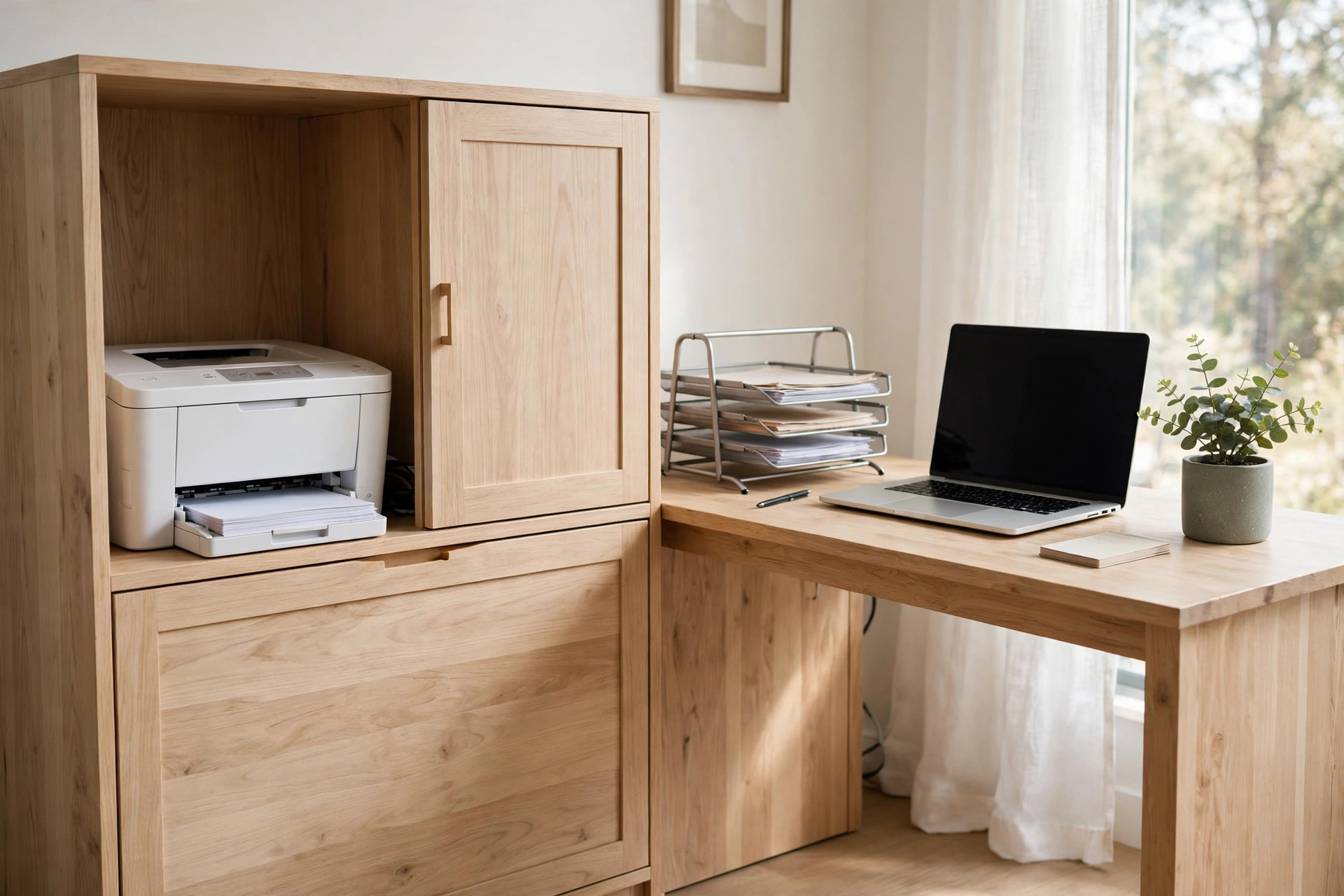
A low cabinet or sideboard beside the desk, at least 20 inches wide and 18 inches deep inside, swallows the printer whole; close the door and the office looks like a living room. Choose or modify a cabinet with an open or vented back panel so heat and cables escape. Cost: $80 to $220 for a flat-pack cabinet that fits. Watch-out: check the door swing against your chair — a door that hits your knee every print run will be left open forever, defeating the point.
2. A Pull-Out Tray Inside That Cabinet
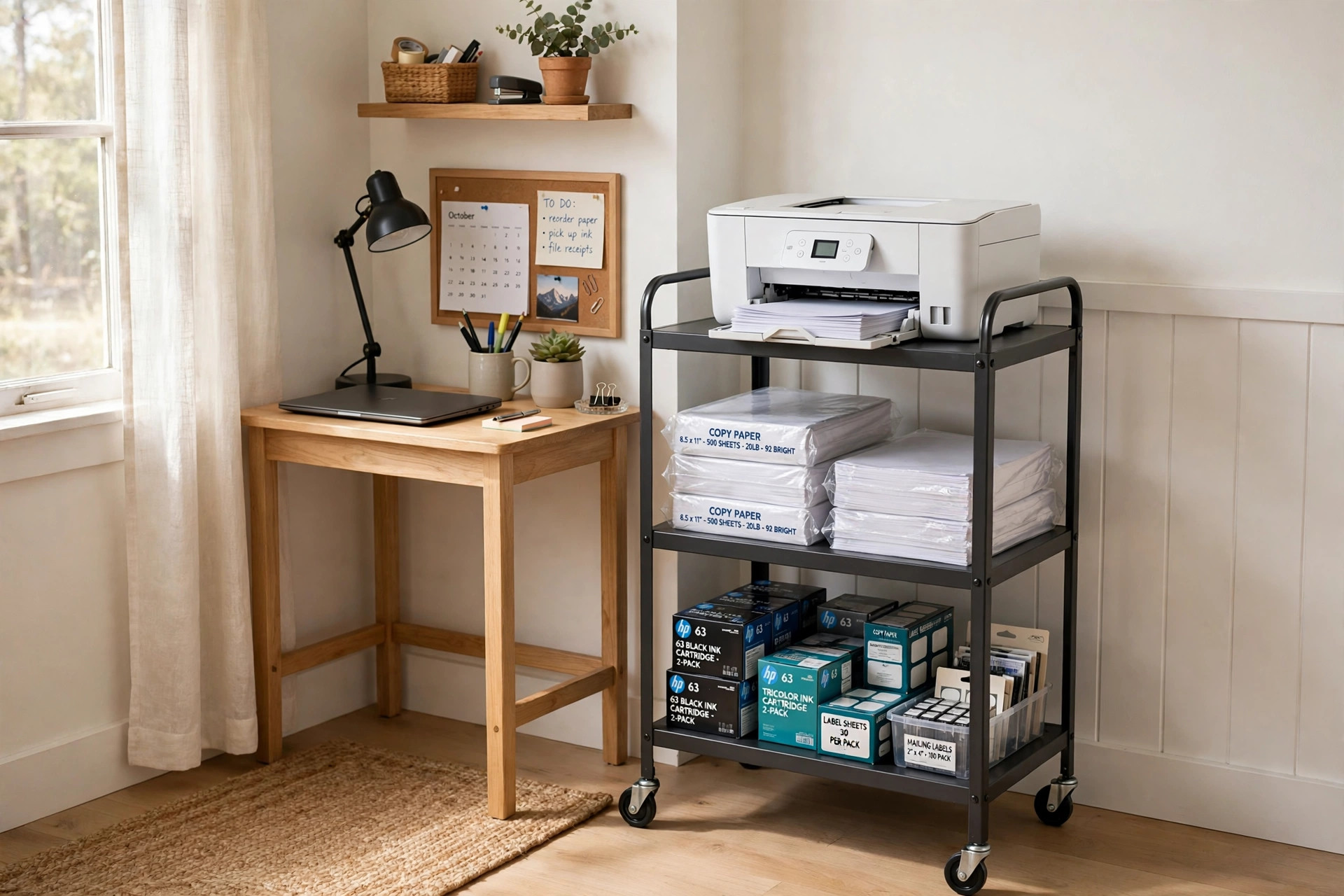
Add a sliding shelf on full-extension drawer runners inside the cabinet and the printer glides out for loading paper and clearing jams, then disappears again. Runners rated for 75 to 100 pounds handle any home printer; the tray needs about 1 inch of side clearance inside the cabinet. Cost: $30 to $60 for runners and a board, if the cabinet already exists. Watch-out: leave 8 to 12 inches of slack cable loop behind the tray so it can travel without tugging connections.
3. Under the Desk on a Low Platform
The knee space at one end of a desk is free real estate. A low platform or sturdy board on the floor keeps the printer off dusty carpet, at grab height from your chair, with the desk's open back providing airflow. Works best under desks 48 inches or wider, stealing the side bay rather than your legroom. Cost: $0 to $25. Watch-out: measure your chair's sideways range — if your knees or chair arms sweep that bay, pick another idea on this list.
4. A Rolling Cart That Comes to You
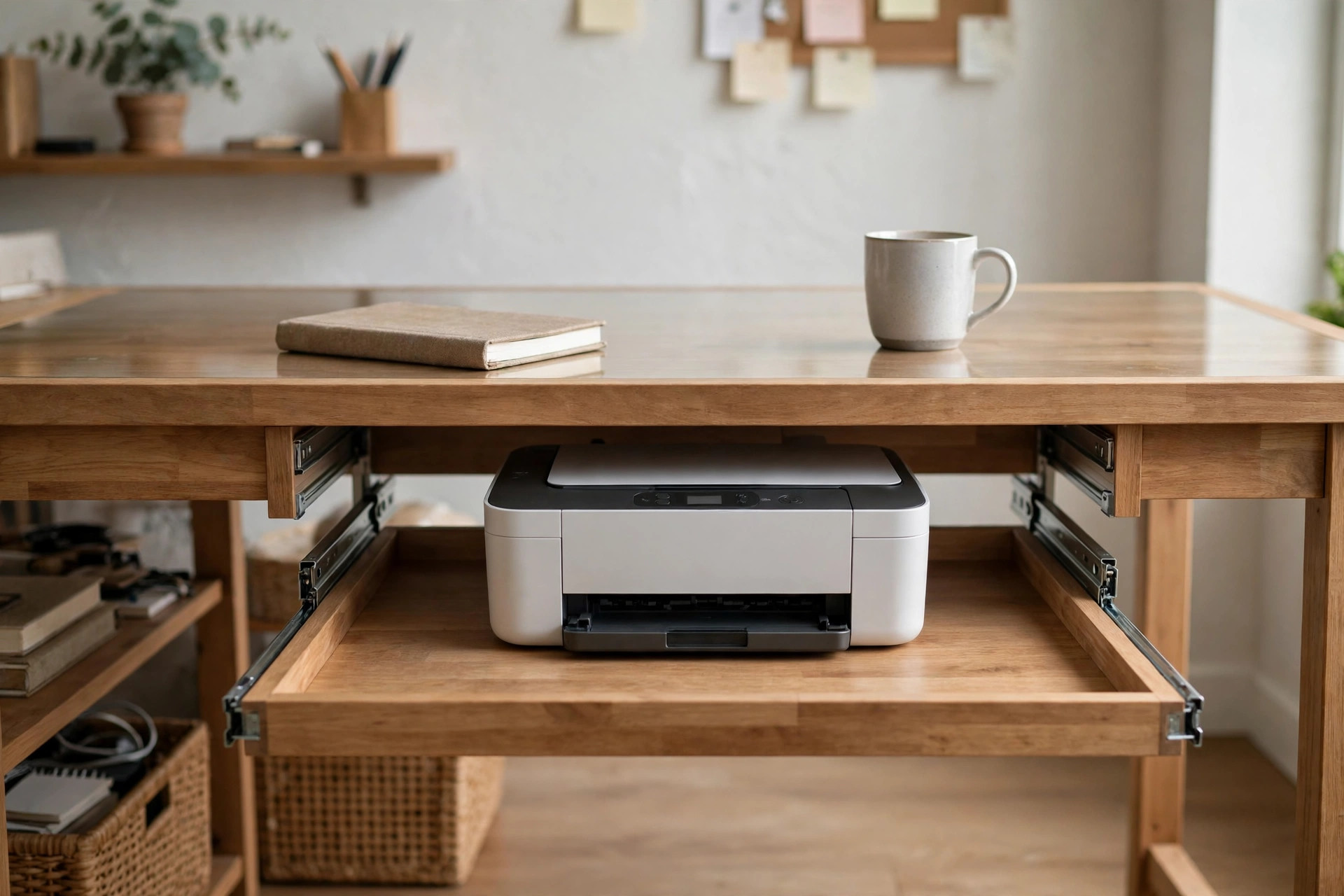
A three-tier rolling cart, roughly 16 by 12 inches on top, parks in a corner or closet and rolls to the desk on print days: printer on top, paper in the middle, ink and cables below. Locking casters matter on hard floors. Cost: $30 to $70 for a metal utility cart rated for the printer's weight. Watch-out: check the top tier's true dimensions with the rails included — many carts quote the frame size, and printer feet overhanging a rail make the whole thing rock.
5. A Bookshelf Bay, Styled Like It Belongs
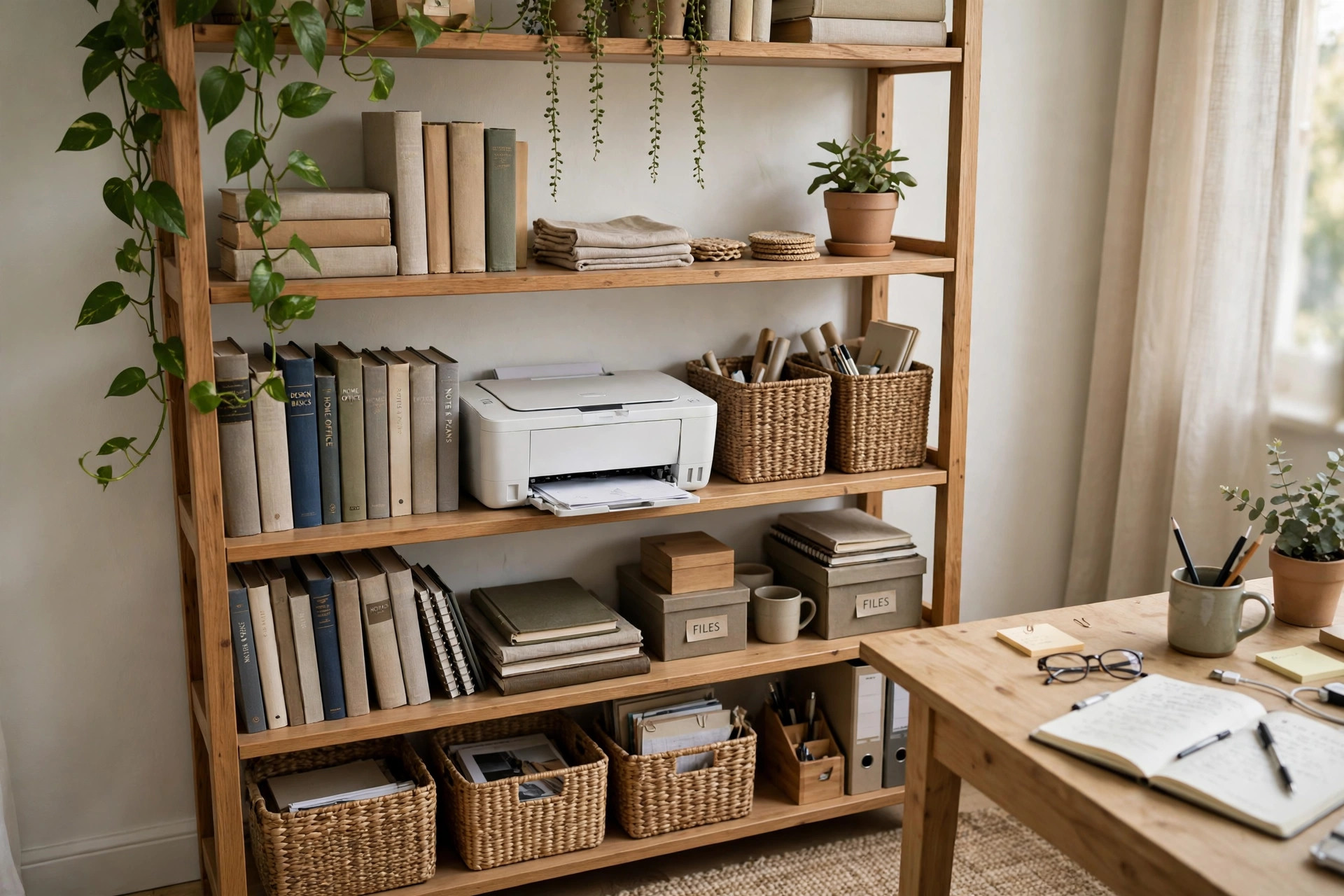
Give the printer one bay of a bookshelf at waist height, flanked by books and a basket of paper, and it reads as office equipment in an office — visible but intentional. A trailing plant on the shelf above softens the machine's outline. Cost: $0 if the shelf exists; $60 to $150 for a bookcase that fits the bay size. Watch-out: shelves sag; put the printer on a shelf supported by the frame sides, not a long adjustable shelf already bowing under books.
6. A Rolling Filing Cabinet, Printer on Top
A two-drawer rolling file cabinet, about 15 to 18 inches wide, is the hardest-working small footprint in the office: files inside, printer on top at perfect standing height, and it tucks under many desks or rolls out when you need the lid fully open. Cost: $70 to $160. Watch-out: the top must be truly flat and the cabinet stable when the top drawer is open — test the tip factor before the printer moves in permanently.
7. A Wall Shelf at Standing Height
One heavy-duty wall shelf, 12 to 14 inches deep, mounted about 40 inches from the floor near the desk, holds the printer where you can load it standing, with zero floor footprint. Brackets must hit studs; a printer plus paper stack runs 15 to 25 pounds before vibration. Cost: $25 to $60. Watch-out: printers vibrate slightly as they run — anti-slip pads under the feet stop the slow walk toward the shelf edge that nobody believes in until it happens.
8. A Printer Stand With Paper Drawers
Purpose-built printer stands — a raised top with one or two drawers or shelves under it, typically 17 to 20 inches square — park beside or under the desk and keep paper and toner directly under the machine, which is where supplies want to live. Cost: $40 to $110. Watch-out: confirm the stand's depth fits your printer with its rear cable bend; cables need about 2 inches behind the machine, and stands are often quoted to the millimetre.
9. Inside a Closet Office Nook
If your desk lives in or near a closet, one closet shelf at desk height becomes the print bay: machine, paper, and a small in-tray in a row, hidden by the closet door at day's end. Run a cable grommet through the shelf back so cords drop neatly to the outlet. Cost: $10 to $40 for a shelf board and brackets. Watch-out: closets trap heat — leave the door open while printing long runs, and never store paper goods tight against a warm laser printer's vent side.
10. A Side Table That Matches the Room
In living-room offices, a normal side table or plant-stand-style table beside the sofa-desk reads as furniture first and equipment second. Choose one 20 inches or more across the top, with a lower shelf for the paper basket. Cost: $35 to $120. Watch-out: wobbly decorative tables and printers are enemies — the table should not rock when you press a corner, or every print will shiver and the tray will misfeed.
11. A Fabric-Covered Crate or Basket Shell
The budget disguise: a large open-front crate, basket, or fabric storage box, sized 2 inches bigger than the printer on every side, slides over or around it on a shelf, hiding the machine behind a woven texture while the front stays open for the tray. Cost: $12 to $30. Watch-out: fabric and paper dust are friends — vacuum the shell monthly, and keep the cover fully clear of vents and the paper path, no exceptions.
12. Split the System: Machine Hidden, Supplies at the Desk
Sometimes the smartest station is a divorce. The printer lives in a hallway cabinet or bedroom armoire — anywhere with an outlet and airflow — connected by Wi-Fi, while paper and ink live in one desk drawer. Modern printers almost all print wirelessly, so the machine genuinely does not need to share your room. Cost: $0. Watch-out: walk the route before committing; if collecting prints means stairs in the rain metaphorically — a long, annoying trip — you will stop printing and start resenting the system.
Mistakes That Make a Printer Station Annoying
Sealing the printer in. Any enclosure without rear and side airflow overheats the machine and cooks the paper supply. If a cabinet has a solid back, cut a vent panel or leave the back off entirely — then tame the visible cords with our home office cable management ideas to hide every cord so the open back still looks deliberate.
Forgetting the lid and the tray. Stations fail in week one, at the first paper jam, when the lid cannot open and the tray cannot slide. Tape your printer's three measurements — footprint with tray out, height with lid up, cable bend behind — inside the station door, and check them before buying any furniture for it.
Hiding it too well. If reaching the printer means moving a chair, a plant, and a basket, you have built a storage problem, not a station. The whole system should open, load, and print in under a minute. For full small-room layouts that plan this properly, see our small closet office ideas that feel like a real office and the wider Home Office collection.
Questions People Ask
Can you keep a printer in a closed cabinet?
Yes, with conditions: at least 2 inches of clearance behind and at the sides, an open, vented, or removed back panel, and the door open during long print runs. Laser printers vent more heat and a faint smell, so they need the most generous airflow of all.
Where should a printer go in a small home office?
Off the desk, at waist height or below, within a few steps of your chair: a cabinet beside the desk, a rolling cart, a bookshelf bay, or under the desk's side bay. Height matters more than hiding — loading paper at ankle or shoulder height gets old within a week.
How much space does a home printer need?
A typical all-in-one footprint is about 17 inches wide by 13 to 16 inches deep with the tray out, plus 2 inches behind for cables, and 18 to 24 inches of vertical clearance with the scanner lid open. Measure your exact model; compact inkjets can be several inches smaller in every direction.
Is it OK to put a printer on a shelf?
Yes, if the shelf is deep enough (12 to 14 inches minimum), mounted into studs or rated well above the printer's weight, and fitted with anti-slip pads. Printers vibrate as they run, and an unsecured machine can creep toward the edge over months.
Measure the lid, respect the airflow, and give the supplies a home with the machine — do those three things and any of these twelve stations will quietly remove the ugliest object on your desk. Start with the free options: a shelf bay, the under-desk bay, or the Wi-Fi divorce. The desk space you get back is permanent.


Comments
Post a Comment