
12 Small Home Office Standing Desk Ideas That Fit Tight Rooms
A standing desk sounds like a big-desk luxury, but the compact versions are built for exactly the rooms most of us work in: a bedroom corner, a studio nook, a spare room under 100 square feet. The best small home office standing desk ideas start with footprint discipline — a top between 32 and 48 inches wide, a height range that actually fits your body, and nothing on the surface that does not earn its place. Get those three right and even a 32-inch desk will change how a workday feels.
You do not need to replace your whole office. You need honest measurements of your room and your elbows, a desk sized to the smaller of the two, and a layout that keeps the surface clear. Below are twelve ideas with real widths, height ranges, capacities, costs and watch-outs, so your sit-stand setup fits the room instead of fighting it.
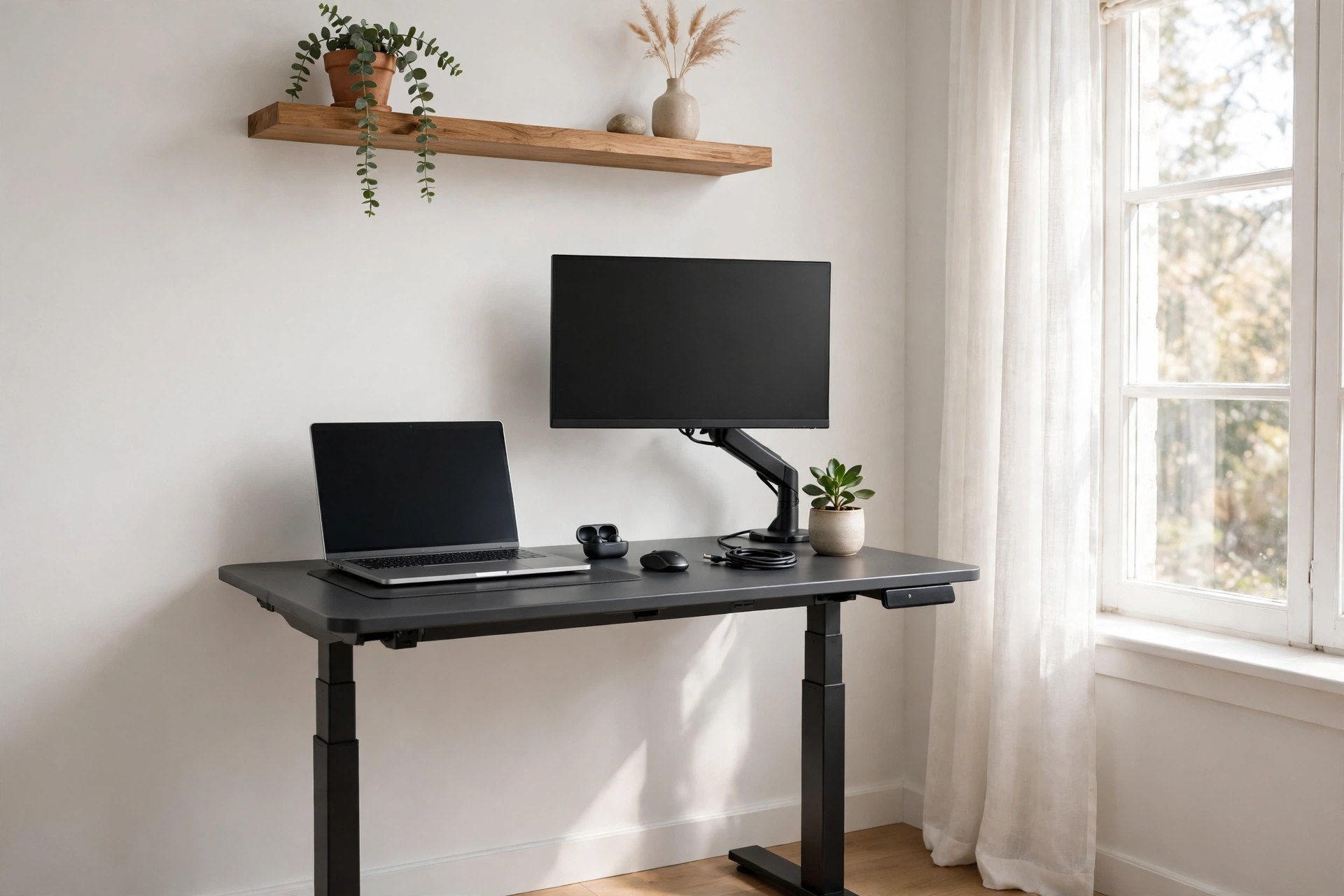
Before you measure for a new desk, look at the room it has to live in. Our guide to small home office layout ideas covers where a desk can honestly go in a tiny room — a standing desk in the wrong spot, blocking a door swing or a window, is a daily annoyance no motor can fix.
Measure First: Width, Height Range and Capacity
Rule one: stay between 32 and 48 inches wide and 19 to 24 inches deep. Testing roundups such as GeekFill on the best standing desks for small offices use exactly this compact band, for a clear reason: narrower than 32 inches is too tight for a laptop plus an external keyboard, and wider than 48 inches dominates a small room and limits chair movement. A small office, for reference, is anything under about 80 to 100 square feet — a 9 by 9 foot room or a corner of something bigger.
Rule two: the height range must fit your body at both ends. Most compact electric desks adjust from about 28.3 to 46.5 inches; three-stage premium frames reach from about 23.6 to 49.2 inches, or 25 to 50.5 inches at the top end. Your sitting desk height should let your elbows rest at roughly 90 degrees with your feet flat; your standing height is the same elbow rule standing up, usually 105 to 115 cm for average heights. If you are tall or petite, that low and high end matters more than any other spec — a desk that cannot go low enough is a desk you will hunch over sitting down. Setup guides like EFFYDESK on minimalist standing desk setups make the same point from the styling side: the desk must disappear into the room, which starts with it fitting both the room and you.
Rule three: respect capacity. Budget single-motor compact desks carry about 110 to 176 pounds; dual-motor frames carry 250 pounds and up, with flagship frames rated to 355 pounds. A laptop setup barely tests any of them, but a dual-monitor arm, a desktop PC on the desk and a stack of books adds up faster than people expect — count it before you buy.
12 Small Home Office Standing Desk Ideas That Fit Tight Rooms
Work in order: measure the room and yourself, choose the smallest desk that fits your real setup, then clear the surface with arms and trays so the small top works like a bigger one.
1. Start With a 40 by 24 Inch Desk, the Balanced Compact Size
If one size fits most small offices, it is 40 inches wide by 24 inches deep. It holds a laptop and a slim monitor, or one good monitor on an arm with room for a notebook, and it still leaves a small room feeling like a room. Compact electric desks in this size typically adjust from about 28 to 46.5 inches, carry around 154 to 176 pounds, and cost roughly $180 to $320. The smallest full standing desks start right here at 40 inches wide while keeping a full height range up to about 50 inches, so you give up width, not ergonomics. Place it along the longest free wall rather than floating it, and leave the chair's full roll-back zone — about 36 inches behind the desk edge — clear. Watch-out: 24 inches of depth is the minimum that keeps a monitor at a comfortable viewing distance; do not be tempted by shallower tops if you use an external screen all day.
2. Go Down to 32 by 19 Inches for a True Laptop-Only Nook
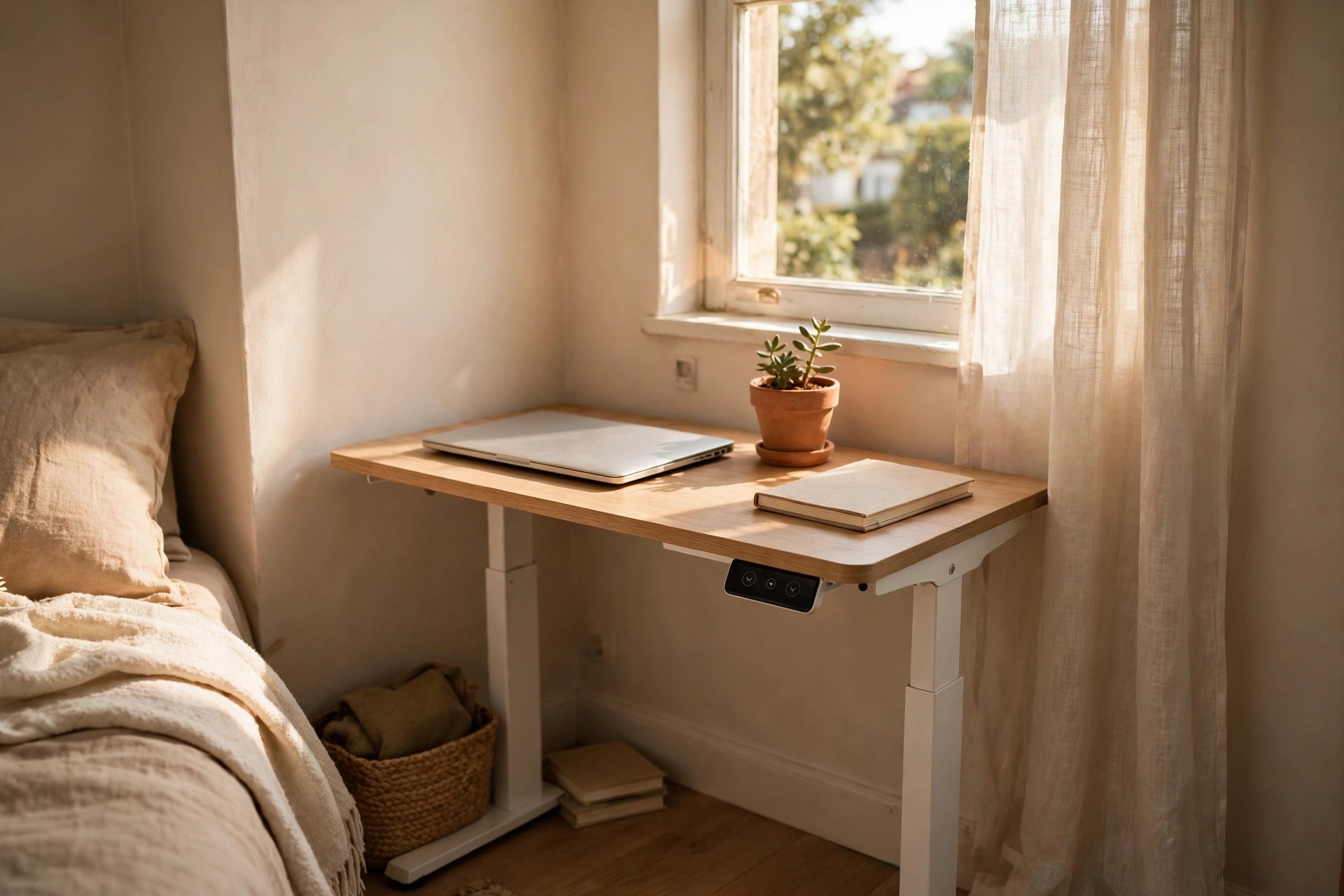
For a bedroom corner, a dorm or a closet conversion where the work is one laptop, the smallest electric desks — around 32 by 19 or 32 by 20 inches — are genuinely enough. Models in this class still adjust electrically from about 28.3 to 46.5 inches with memory presets, and ratings around 176 pounds are common. Expect to pay roughly $150 to $250. The discipline is in what stays off the desk: laptop, one notebook, a cup. Everything else lives on a wall shelf or in a drawer unit beside the desk, as in our small home office desk storage ideas. Watch-out: at 32 inches wide there is no honest room for a separate monitor plus keyboard plus papers; if your work is spreading out, step up to the 40-inch size rather than stacking things on a desk that cannot hold them.
3. Choose a Corner Setup When the Room Has One Good Corner
A corner gives a small office two walls of support and takes the desk out of the room's traffic flow. Use a compact rectangular desk pushed fully into the corner rather than a bulky L-shaped frame: you gain the wall corner for a monitor arm mount zone and keep the footprint rectangular and small. Warm wood tops suit corner setups in living rooms and bedrooms, where the desk must blend with non-office furniture. Run the desk along the longer wall and let the short return be wall, shelf or a small storage unit. A corner also hides the cable drop neatly down the wall junction. Watch-out: measure the chair zone diagonally in a corner setup; corners invite you to push the desk in until the chair has nowhere to roll, and a chair that cannot move back makes standing transitions clumsy.
4. Put Monitors on a Single Arm and Give the Surface Back
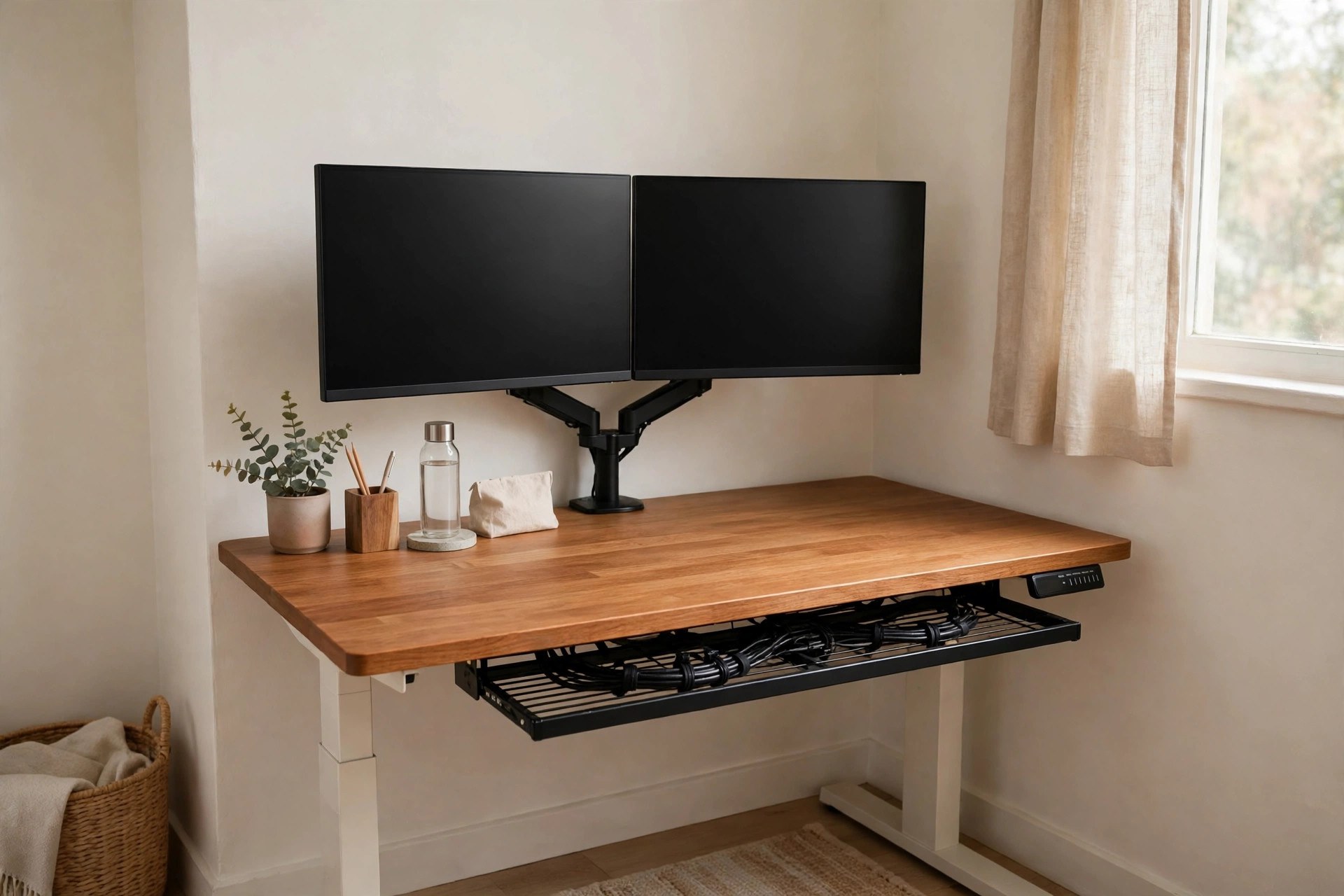
On a 40-inch top, two monitor stands can eat a third of the surface. A single dual monitor arm clamps to the back edge, lifts both screens to eye level, and returns the whole desktop to keyboard, notebook and hands. Good arms cost about $40 to $90 and most include a cable channel down the arm itself, which is half your cable management done before you start. Screen height rule: the top third of the screen at or just below eye level in the position you use most, sitting or standing — an arm makes that a ten-second adjustment instead of a stack-of-books negotiation. This is also the upgrade that makes a 32-inch desk viable with an external monitor. Watch-out: check the clamp fits your desktop thickness and that the wall behind can take the screens' full tilt without the arm drifting into it at standing height.
5. Try a Desktop Converter Before You Replace the Desk
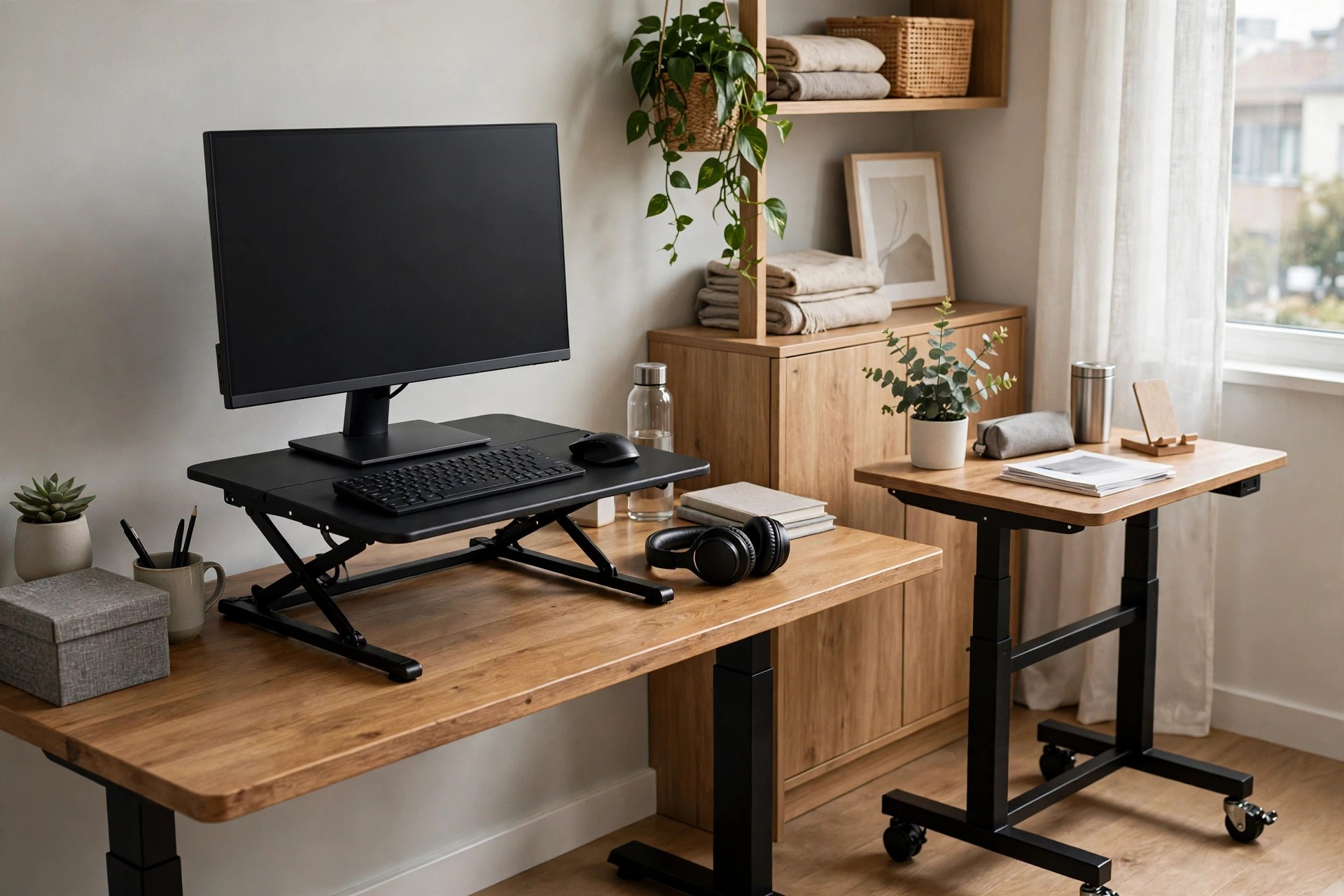
If your current desk fits the room and only the sitting is the problem, a standing desk converter is the smallest, cheapest experiment: a platform that sits on your existing desk and lifts your monitor and keyboard by hand or gas spring, typically from about 2.3 to 16 inches of lift, with no assembly. Converters cost roughly $100 to $200, far less than a full frame, and if the experiment fails it moves to another room instead of becoming furniture you regret. The keyboard tray tier matters — typing on the same level as the screen is an ergonomic step backwards. Watch-out: a converter adds its own footprint and weight to your existing desk and raises your sitting screen height too, so measure your seated eye level with the converter at its lowest before committing.
6. Pick a Mobile Standing Desk When the Office Has to Move
In a shared or multi-use room, a small mobile standing desk on lockable casters earns its keep: work beside the window in the morning, roll it away when the room becomes a guest room at night. Pneumatic mobile desks adjust without power — about 28.5 to 46.1 inches is a typical range — and compact tops around 31.5 by 23.6 inches carry roughly 176 pounds on the rolling class. Expect about $120 to $220. Lock all four casters while you work; a desk that creeps is worse than a fixed one. Watch-out: rolling desks and thick carpet do not mix, and a pneumatic lift has no memory presets, so mark your sitting and standing heights with a small tape dot on the column to make changes fast.
7. Use a Wall Shelf Above, Not Storage on the Desk
The styling rule behind every calm compact setup is the same: the desk holds the day's work, the wall holds everything else. One floating shelf above the desk — mounted high enough to clear your head at full standing height, which means checking it with the desk raised, not lowered — holds notebooks, a small printer or the reference books, and keeps them off a surface that has no spare inches. A shelf costs about $20 to $40 and an hour. Keep the shelf load light and the styling calmer than the desk below it. Watch-out: the classic mistake is mounting the shelf at sitting eye level and meeting it with your forehead the first time you raise the desk; stand the desk at full height and mark the wall before you drill.
8. Hide Every Cable in a Tray, an Arm Channel and One Drop
Small desks look cluttered faster than big ones because there is nowhere for mess to hide. The compact formula: monitors on an arm with cables through its channel, a cable tray screwed under the back edge of the desk holding the power strip, and exactly one cable dropping from tray to wall socket. Everything else — chargers, docks, lamp leads — plugs into the tray, so the whole desk raises and lowers with a single flexing drop. A tray and a pack of velcro ties cost about $20 to $35 total. Our full method is in the home office cable management ideas guide — on a standing desk it is not optional decoration, because cables that are too short will yank at full height. Watch-out: leave a service loop of slack in every cable for the full 20-inch travel of the desk, and test the raise with everything plugged in before you tidy it all away.
9. Match the Desk Colour to the Wall So the Room Stays Calm
In a small room, a desk that contrasts hard with the wall behind it looks twice its size. An all-white desk against a white wall, or a warm wood top in a wood-toned room, recedes visually and lets the room read as a bedroom or living room that contains work, rather than an office that swallowed a room. Minimalist setup guides return to this constantly: one accent — a plant, a lamp, a single art piece — is enough personality for a compact desk zone. There is no cost difference between colours in most compact ranges, so this is a free upgrade chosen at purchase. Watch-out: a white desktop shows cable shadows and coffee rings mercilessly; if your room's light is harsh, a pale wood or soft grey top is the more forgiving version of the same trick.
10. Split the Day With Presets, a Timer and an Anti-Fatigue Mat
The desk only helps if you actually stand. Use the memory presets — three or four on most electric models — set to your true sitting and standing elbow heights, and alternate in blocks: 30 to 45 minutes standing, then sit, rather than attempting heroic two-hour stands that end the experiment by Wednesday. An anti-fatigue mat, about 20 by 34 inches and $25 to $45, makes standing blocks noticeably easier on feet and knees, and it slides under the desk or chair when you sit. Keep a pair of flat shoes by the desk if you work in heels or boots. Watch-out: standing all day is not the goal and trades one set of aches for another; the benefit is in the alternation, so let the timer, not willpower, run the schedule.
11. Add Drawers Beside or Below, Never a Hutch on Top
Compact desks still need somewhere for the paper, the spare cables and the notebook stack. The space-correct answer is a slim drawer unit — about 16 inches wide — that slides under the desk at its lowest sitting height or stands beside it as a printer perch, not a hutch or shelf stack on the desktop itself, which closes the workspace in and steals the light. Some compact desks now build two shallow drawers into the frame for about $30 to $60 more, which is worth it in the smallest rooms. Check the collision: raise and lower the desk through its full range with the drawer unit in place before you fill it. Watch-out: under-desk units eat knee room on a 40-inch desk; if your knees meet the drawers sitting down, move the unit beside the desk instead.
12. Test the Full Raise in the Real Room Before You Style It
Final check, and the one showroom visits never give you: assemble the desk where it will live, put your real setup on it, and run it from its lowest to its highest setting ten times. Watch the cables for snags, the monitor arm for wall contact, the shelf above for head clearance, and the frame for wobble at full height — slight movement at 48 inches is normal on compact frames, a rhythmic sway is not. Sit and stand through a real hour of work. Only then style it. Cost: an afternoon, and it is the difference between a desk that becomes invisible infrastructure and one that nags you daily. Watch-out: check stability with the desk loaded as you will actually use it; an empty compact desk can feel rock solid and still wobble under a monitor arm's leverage at full height.
Mistakes That Make a Small Standing Desk Fail
Buying by width alone. A 48-inch desk in a 70-square-foot room eats the chair zone, the walkway and the calm of the room in one purchase. The width band exists for a reason — 32 to 48 inches, matched to your actual setup — and our layout guide shows how much room each size really leaves around it.
Ignoring the height range at your end of the scale. Very tall and very petite workers are exactly the people a fixed desk failed first, and a compact desk with a lazy 28-to-46-inch range can fail them again. Check both ends against your elbow rule, keep cables long enough for the full travel, and browse the rest of the Home Office collection for the storage and styling that keep a small desk working once it fits.
Questions People Ask
What is the smallest practical size for a standing desk?
About 32 by 19 inches for laptop-only work, and 40 by 24 inches if you use an external monitor or spread out papers. Narrower than 32 inches is too tight for a laptop plus a separate keyboard, and shallower than about 19 to 24 inches puts a monitor uncomfortably close.
What height range should a compact standing desk have?
Most compact electric desks run about 28.3 to 46.5 inches, which suits most people. If you are tall or petite, look for a three-stage frame reaching roughly 23.6 to 49.2 inches or 25 to 50.5 inches, and set your heights by the elbow rule: forearms level, shoulders relaxed, feet flat.
Single motor or dual motor for a small desk?
A single motor is fine for a light laptop setup and keeps costs near $150 to $250, with capacities around 110 to 176 pounds. Choose dual motor if you run a dual-monitor arm or a heavy setup — capacities jump to 250 pounds and up, and the lift is smoother and quieter.
Can I just use a converter on my existing desk?
Yes — a converter lifts your screen and keyboard about 2.3 to 16 inches, needs no assembly, and costs roughly $100 to $200. It is the cheapest way to test standing. Just check your sitting eye level with the converter at its lowest, since it raises the screen then too.
Measure the room, measure your elbows, keep the top between 32 and 48 inches and the surface ruthlessly clear — and a small home office gains a standing desk that feels like it was always meant to be there.


Comments
Post a Comment