
13 Small Home Office Setup Ideas That Actually Boost Productivity
13 Small Home Office Setup Ideas That Actually Boost Productivity
A small home office setup lives or dies on decisions most people never think about: which way the desk faces, how high the monitor sits, where the cables go. Get those right and a 6-foot corner can out-produce a spare bedroom. Get them wrong and even a dedicated room feels cramped and tiring.
These small home office setup ideas focus on the things that measurably change how you work — desk placement, ergonomics, light, and cable order — not just how the corner looks in a photo. Whether you have a full tiny room or a slice of the living room, start at the top.
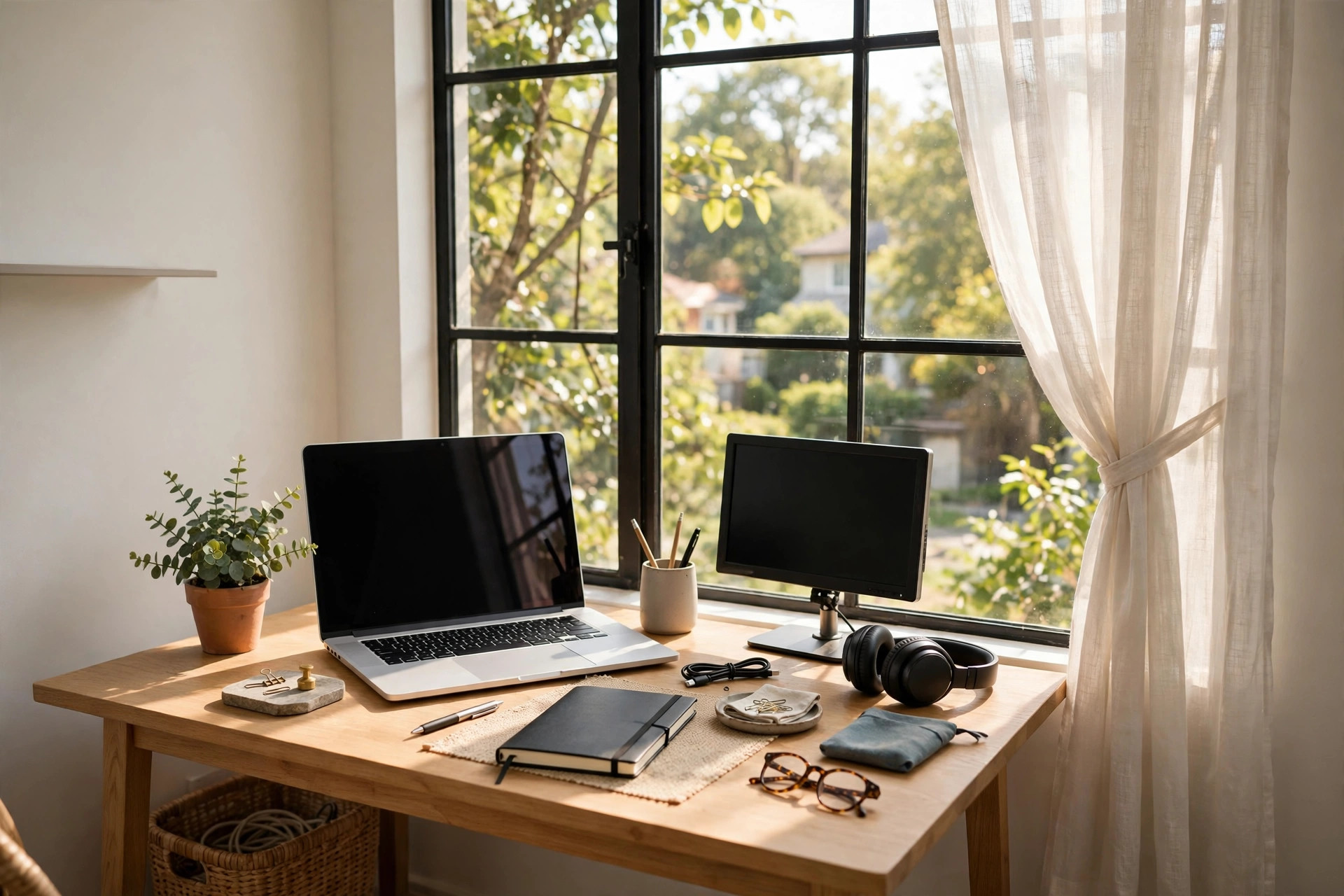
Small Home Office Desk Placement Ideas
1. Put the desk beside the window, not facing it
Desk facing the window sounds lovely until the glare hits your screen at 10 a.m. and the view steals your focus all afternoon. The productive position is perpendicular: desk beside the window, so daylight falls across your work from the side. You get the mood and energy benefits of natural light with none of the screen glare — and the wall in front of you stays free for shelves or a pinboard.
2. Claim a corner with an L-shaped or corner desk
Corners are the highest-value real estate in a small home office setup. An L-shaped or simple corner desk turns two walls of dead space into a wraparound workstation with room for a monitor on one side and writing space on the other. In a 5-by-5 corner this buys you roughly twice the usable surface of a straight desk with the same footprint.
3. Mount the desk on the wall when floor space is precious
A wall-mounted fold-down desk is the small home office's secret weapon: a full workstation that disappears when the workday ends. Fold it up and the corner becomes living space again, which matters enormously when the office shares a bedroom or living room. Pair it with floating shelves above and you have storage, surface, and zero legs eating floor space.
4. Free desk depth with a monitor arm
A monitor on its factory stand eats 8 to 10 inches of desk depth. A simple clamp-on monitor arm pushes the screen back to the wall edge and reclaims that depth for your keyboard, notebook, and coffee. In a 20-inch-deep desk — typical for small spaces — that is nearly half your working depth returned. It also puts the screen at proper eye level, which brings us to ergonomics.
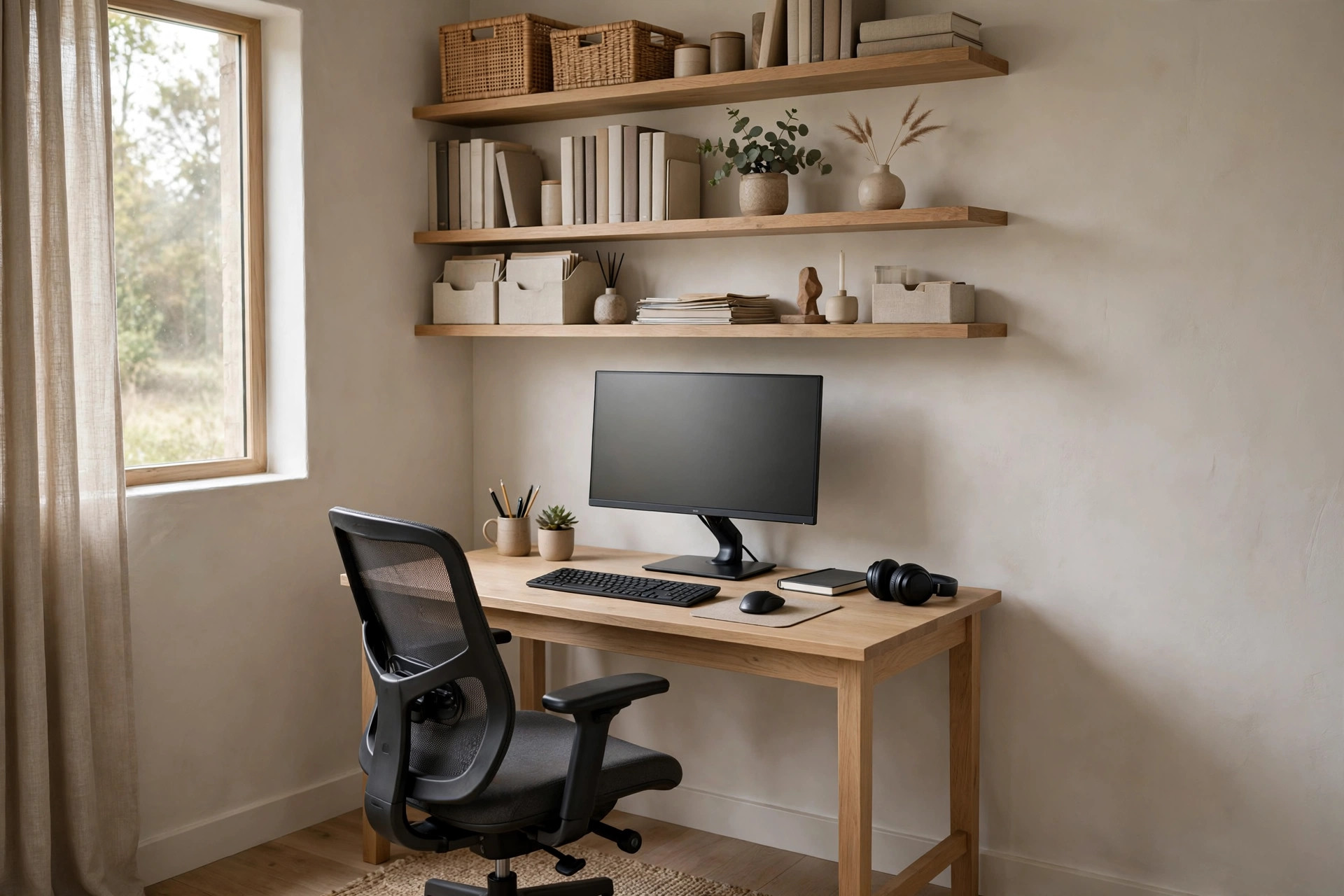
Small Home Office Ergonomic Setup Ideas
5. Buy the chair before you buy anything else
If your small home office setup has one investment piece, it is the chair — not the desk, not the decor. An ergonomic chair with adjustable height and lumbar support is the difference between ending the day fine and ending it with a sore back that kills tomorrow's focus too. In a small space, choose a chair with a slim profile and no bulky arms so it tucks fully under the desk.
6. Raise the screen to eye level, always
Neck craning down at a laptop for eight hours is the quietest productivity killer in home offices. The rule: the top of the screen at or just below eye level, about an arm's length away. A laptop stand plus an external keyboard and mouse gets you there for very little money, and the posture change is immediate. Your shoulders will notice by day two.
7. Alternate sitting and standing, even without a standing desk
You do not need a full sit-stand desk in a small home office. A sturdy shelf, a high counter, or even an ironing board gives you a standing station for calls and reading, while the desk stays the sitting station for focused work. Switching posture every hour or so keeps energy up through the afternoon slump better than any second coffee.
8. Tame the cables — visual noise is real noise
A rat's nest of cables under a small desk reads as chaos and quietly raises stress every time you glance down. Mount a cable tray or even a simple wire basket under the desk, run everything through it, and use one short power strip instead of three long cords. Ten minutes of cable management makes a small home office setup feel twice as calm and twice as professional — including on video calls.
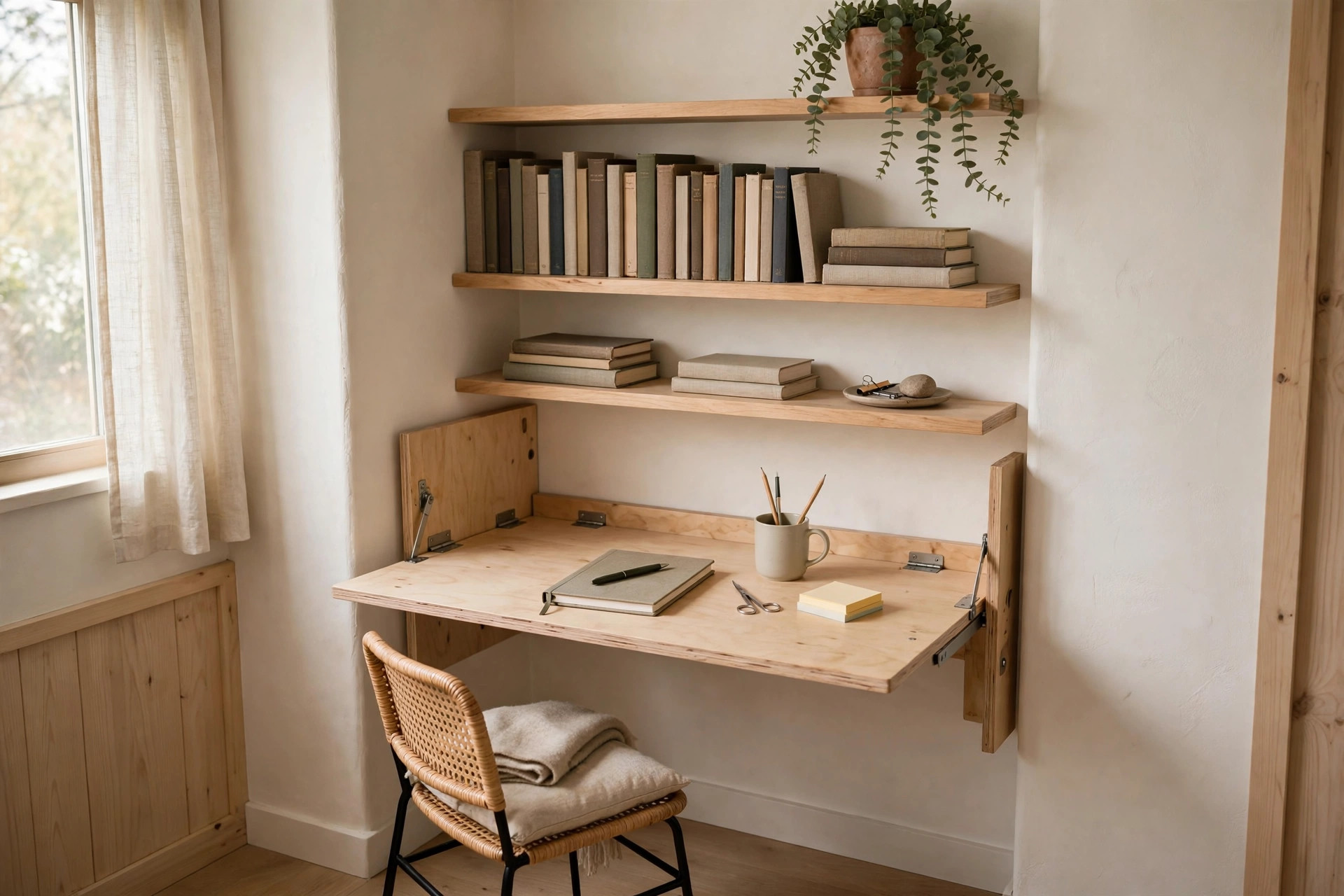
Small Home Office Lighting and Storage Ideas
9. Add an adjustable task lamp
Overhead room light is never enough for desk work, and it is usually in the wrong place. A task lamp with an adjustable head puts 300 to 500 lux exactly on your work surface, cuts eye strain, and makes evening work feel intentional instead of gloomy. Position it on the opposite side from your writing hand to avoid shadows. These small home office lighting ideas cover the best lamp styles for tight desks.
10. Go vertical with a pegboard or floating shelves
When the desk is small, the wall above it is your second desk. A pegboard holds supplies, headphones, and cables in plain sight; floating shelves hold books and reference material. Both keep the work surface clear, and a clear surface is a faster surface — every item you have to move aside to work is a tiny tax on focus. For the full system, pair this with these small home office storage ideas built for cluttered desks. Keep paper off those shelves, though — a small, ruthless system like the one in our home office paper organization guide is what stops paperwork from migrating back onto the desk.
11. Build a video-call corner, not a video-call room
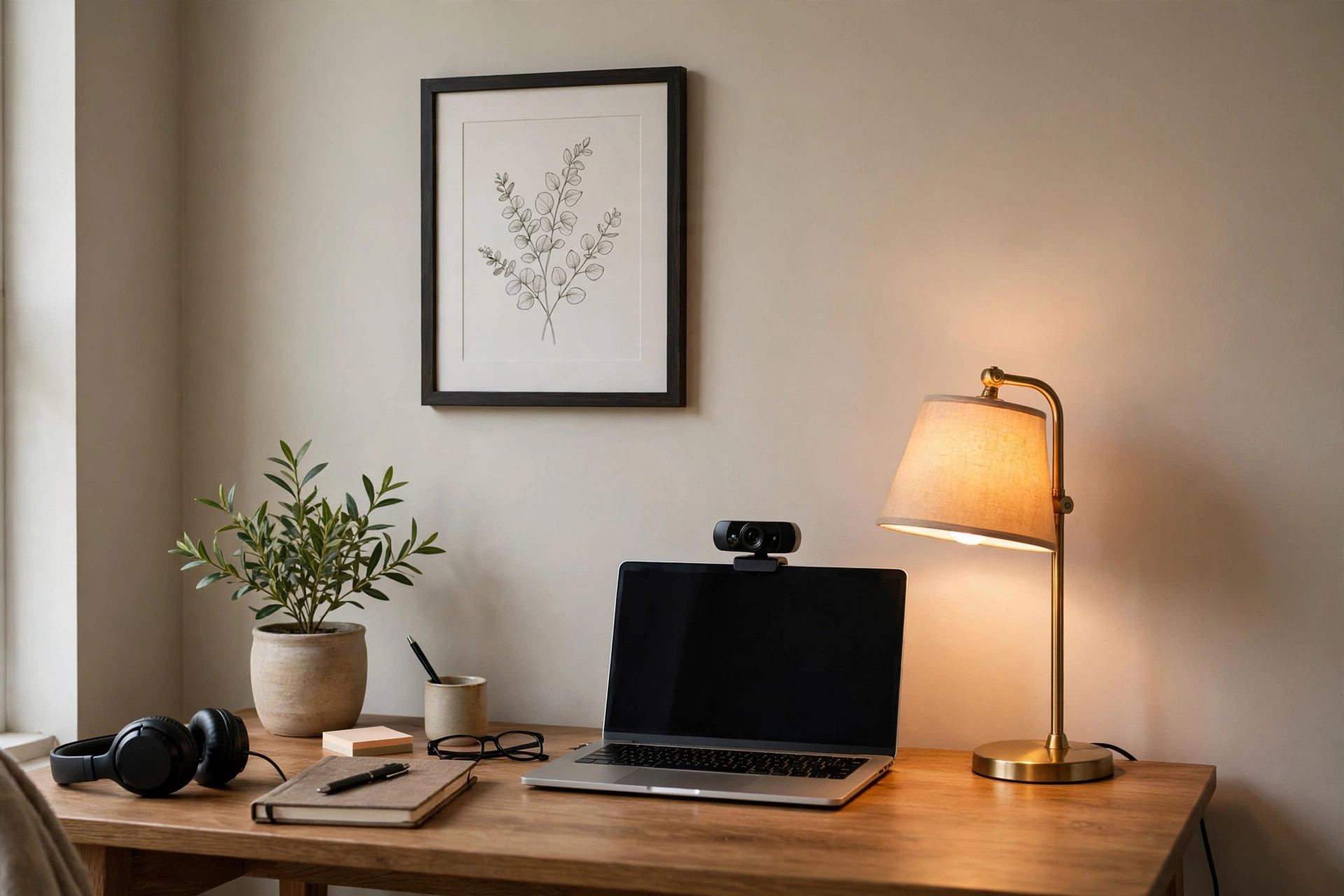
You only need about four feet of good-looking background. Pick the tidiest wall section, add one art print and a small plant, put a warm lamp just out of frame, and aim the camera slightly down at your face with light 30 to 45 degrees off-axis. Nobody needs to see the rest of the room. A dedicated call corner also gives your brain a 'meeting mode' cue, which helps focus.
12. Soften the sound with one rug and one soft thing
Small rooms echo, and echo makes calls tiring and thinking harder. A rug under the desk plus one fabric element — curtains, an upholstered chair, a single acoustic panel behind you — noticeably cuts the harshness. This is the cheapest upgrade on this list and one of the most felt, especially if you take calls all day.
13. Add one plant and one personal object — then stop
A small home office setup should feel like yours, not like a showroom. One low-maintenance plant (a pothos or snake plant survives anything) and one object that makes you happy — a framed photo, a favorite mug, a small print — is the right dose. More than that in a tiny space becomes visual clutter, and clutter is the enemy of the focus you just built. For the cozy finishing layer, these cozy home office ideas add warmth without adding mess.
The setup spec sheet: ergonomic measurements and what things cost
The ergonomic numbers behind ideas 5–7. Desk height: 28–30 inches is standard; if your desk is higher, raise the chair and add a footrest so your feet stay flat. Chair: seat height adjustable through roughly 16–21 inches, set so your elbows rest at desk height with shoulders relaxed and forearms parallel to the floor (about a 90-degree elbow angle). Screen: 20–28 inches from your eyes (idea 6's arm's length, measured), top of the screen at or 1–2 inches below eye level, tilted back about 10–20 degrees. Laptop stand height: most raise the screen 4–6 inches, which is exactly the gap between a laptop on a 29-inch desk and eye level for most people. Standing station: the surface should sit at your standing elbow height — roughly 40–44 inches for most adults — which is why a kitchen counter works and a bookshelf usually does not. Desk sizes. A straight desk at 40–48 inches wide × 20–24 deep is the small-office standard; an L-desk at about 48×48 inches uses a corner as idea 2 describes; a fold-down desk (idea 3) is typically 36–48 inches wide × 20 inches deep when open and folds to 4–6 inches off the wall. Monitor arms (idea 4) clamp desks up to about 3 inches thick and are rated by screen weight — most hold 4–20 lb, covering 17–32-inch monitors. What the pieces cost. Ergonomic chair $150–$350 (the one splurge); laptop stand $25–$45; external keyboard and mouse $30–$70 together; monitor arm $30–$80; cable tray $12–$25; task lamp $25–$60; fold-down desk $70–$140; L-desk $120–$250. The full ergonomic fix (chair excluded) is roughly $85–$195 — stand, keyboard, mouse, arm — and it is the order to buy in. Video-call corner (idea 11), measured: camera lens at eye level (stack books under a laptop to get there), key light 2–3 feet from your face, and 3–4 feet between you and the background wall so the background reads as depth, not a mugshot.
Small Home Office Setup Mistakes to Avoid
- Facing the desk into a blank wall with no light plan: it feels like a cubicle. Side-window light plus a task lamp fixes it.
- A dining chair as a desk chair: fine for an hour, punishing for a workday. The chair is the investment.
- Monitor too low: the most common ergonomic error in home offices. Eye level, arm's length — non-negotiable.
- Cables everywhere: ten minutes with a tray under the desk removes a constant low-grade stressor.
- Over-decorating the desk: every decorative object on a small desk is surface you cannot work on. Decorate the wall, keep the desk clear.
For a deeper dive into professional-grade setups, Design Within Reach's home office setup guide covers lighting and furniture choices room by room, and Ace Office Systems' small office guide has practical checklists for compact workstations.
Small Home Office Setup: FAQ
What is the best desk position in a small home office?
Beside a window, with daylight falling across the desk from the side. This gives you natural light without screen glare. In a corner, an L-shaped desk uses both walls and roughly doubles your usable surface.
How can I make a small home office ergonomic on a budget?
Prioritize in this order: an adjustable chair, a laptop stand with external keyboard and mouse to bring the screen to eye level, and a monitor arm or stand to reclaim desk depth. Posture fixes beat furniture upgrades.
How do I hide my home office in a small room?
Use a wall-mounted fold-down desk that disappears after work, keep all storage vertical (shelves, pegboard), and choose furniture in the room's existing palette so the workstation reads as part of the room rather than an intrusion.


Comments
Post a Comment